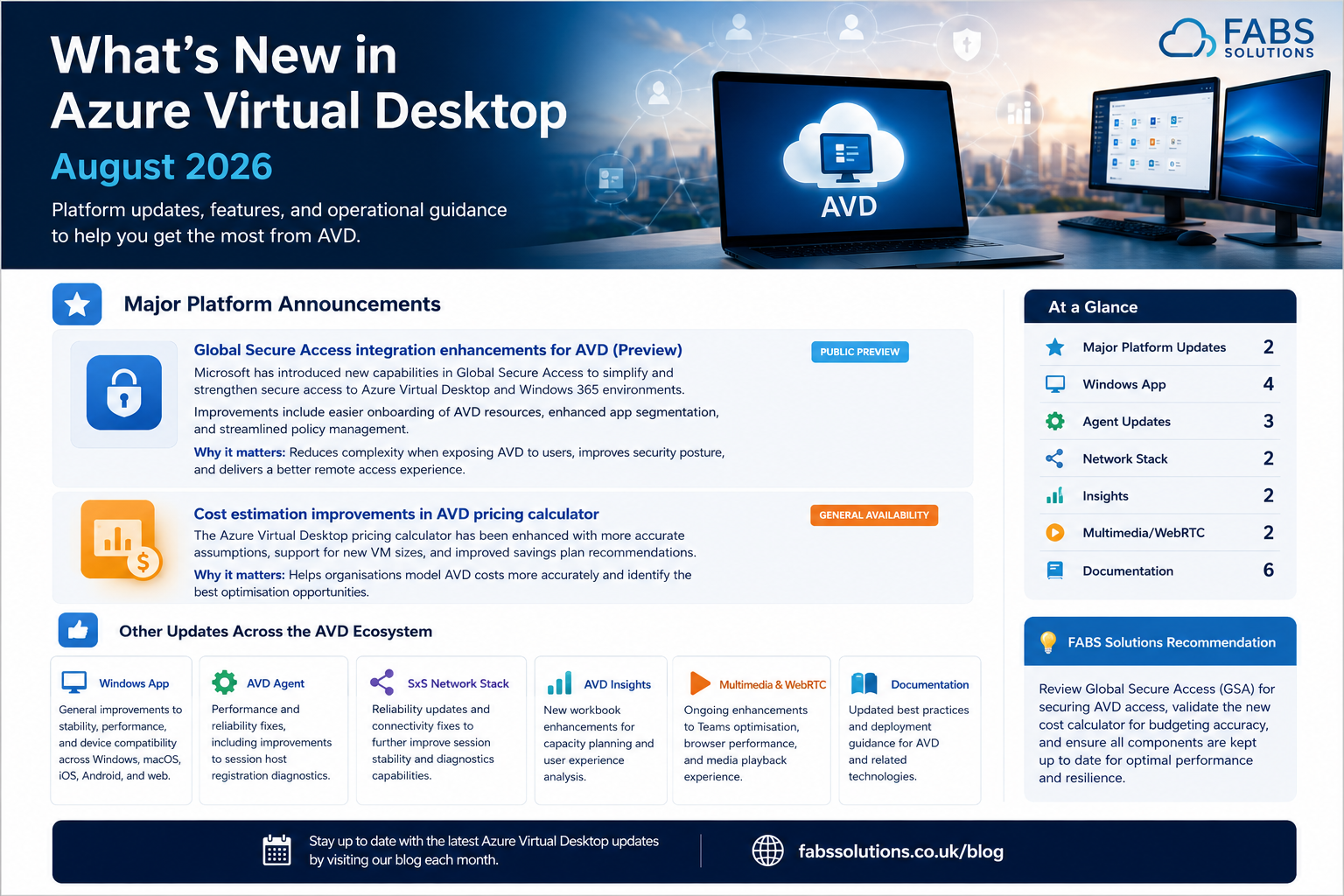
Modern Auto-Reconnect, App Attach, Passwordless Authentication & Security Enhancements
August 2026 delivers another substantial set of improvements for Azure Virtual Desktop, with Microsoft focusing heavily on connection resiliency, application delivery, passwordless authentication, session security and peripheral support.
The standout announcement is Modern Auto-Reconnect, powered by RDP Multipath, which introduces a significantly improved approach to recovering AVD sessions following temporary network interruptions.
Microsoft has also expanded App Attach, introduced preview support for in-session passwordless authentication on macOS, extended Screen Capture Protection to web connections, and introduced RAW printing support in Public Preview. Microsoft Learn
📋 August 2026 – At a Glance
| Area | Status | Enterprise Impact |
|---|---|---|
| 🔄 Modern Auto-Reconnect | Phased rollout / Public Preview | ⭐⭐⭐⭐⭐ |
| 📦 App Attach – Multiple User Config Files | Available | ⭐⭐⭐⭐☆ |
| 🔐 Passwordless Authentication – macOS | Preview | ⭐⭐⭐⭐☆ |
| 🛡️ Screen Capture Protection – Web | Available | ⭐⭐⭐⭐⭐ |
| 🖨️ RAW Printing | Public Preview | ⭐⭐⭐⭐☆ |
| ⚙️ AVD Agent 1.0.15547.100 | Validation | ⭐⭐⭐⭐☆ |
| 🌐 SxS Network Stack | Security & Reliability | ⭐⭐⭐⭐☆ |
🚀 Major Platform Announcements
1. Modern Auto-Reconnect
Microsoft Update
Microsoft has begun rolling out Modern Auto-Reconnect for Azure Virtual Desktop.
Modern Auto-Reconnect is designed to improve what happens when an AVD connection encounters a temporary network interruption.
Rather than relying on the traditional reconnect process, the technology preserves the existing connection state and restores connectivity more quickly when a viable network path becomes available.
Importantly, Modern Auto-Reconnect is powered by RDP Multipath. Microsoft says the capability is being introduced through a quality-driven phased rollout. Microsoft Learn
Why this matters
This has the potential to make one of the most noticeable improvements to everyday AVD user experience.
Temporary connectivity changes are common when users:
- Move between Wi-Fi access points
- Switch between Wi-Fi and mobile connectivity
- Experience brief WAN interruptions
- Use unstable home broadband
- Move between corporate and public networks
- Experience transient network path failures
Previously, these events could result in a visible disconnect followed by the traditional RDP reconnection process.
Modern Auto-Reconnect is designed to make that recovery significantly more seamless.
💡 FABS Recommendation
This is an update I would pay particularly close attention to.
We've seen Microsoft steadily build the underlying resilience architecture through RDP Shortpath → RDP Multipath → redundant TCP paths, and Modern Auto-Reconnect now builds upon that foundation.
For organisations with mobile or geographically distributed workforces, test this capability across real-world network transition scenarios as the rollout reaches your environment.
Microsoft: What's new in Azure Virtual Desktop
📦 2. App Attach Supports Multiple User Configuration Files
Microsoft Update
Azure Virtual Desktop App Attach now supports App-V packages that use multiple user configuration files.
Microsoft specifically positions this as helping to close a feature gap with App-V Server and making it easier for organisations to migrate existing App-V applications into AVD without extensive package modification. Microsoft Learn
Why this matters
This is particularly relevant to enterprises with mature App-V estates.
It can potentially:
- Reduce application repackaging
- Simplify App-V migration
- Preserve existing application configuration
- Reduce migration effort
- Accelerate adoption of App Attach
💡 FABS Recommendation
If App-V remains part of your application estate, reassess applications previously excluded from App Attach because of user configuration requirements.
This enhancement could reduce the amount of repackaging required as organisations modernise legacy application delivery.
🔐 3. In-Session Passwordless Authentication Comes to macOS
Microsoft Update
Microsoft has introduced Public Preview support for in-session passwordless authentication in Windows App on macOS.
Users can complete WebAuthn challenges within their remote session using passkeys:
- Stored on the macOS device
- Held on a connected physical security key
- Accessed using QR-code scenarios
This extends modern passwordless authentication further into cross-platform AVD deployments. Microsoft Learn
Why this matters
Mac users accessing Windows workloads through AVD no longer need to be treated as a separate authentication experience.
For organisations pursuing passwordless strategies, this provides another important piece of the puzzle.
💡 FABS Recommendation
Organisations with significant macOS populations should add this capability to their passwordless authentication testing.
Pay particular attention to your combination of:
Windows App + Conditional Access + WebAuthn + passkeys + session authentication.
🛡️ 4. Screen Capture Protection for Web Connections
Microsoft Update
Microsoft has expanded Screen Capture Protection to users connecting to AVD session hosts through supported web browsers. Microsoft Learn
This extends protection beyond installed clients and helps prevent remote-session content from being captured through supported screen-capture mechanisms.
Why this matters
Web access is particularly useful for:
- BYOD
- Contractors
- Temporary workers
- Third-party organisations
- Unmanaged endpoints
Those are also precisely the scenarios where organisations may have less control over the endpoint.
Extending Screen Capture Protection to browser-based access therefore closes an important security gap.
💡 FABS Solutions Recommendation
If web access forms part of your AVD strategy, revisit your data-protection model.
Consider combining Screen Capture Protection with:
- Conditional Access
- Context-based redirections
- Restricted clipboard redirection
- Drive redirection controls
- Watermarking
This creates a significantly stronger approach for untrusted or unmanaged endpoints.
🖨️ 5. RAW Printing Support – Public Preview
Microsoft Update
RAW printing support is now available in Public Preview for Azure Virtual Desktop.
Administrators can configure printer redirection to use RAW print jobs rather than XPS.
Microsoft specifically calls out specialised devices such as label printers that require RAW printing. The approach can also reduce the requirement to install printer drivers directly onto session hosts. Microsoft Learn
Why this matters
Printing remains surprisingly important in VDI environments, particularly across:
- Warehousing
- Logistics
- Manufacturing
- Healthcare
- Retail
- Label-printing environments
RAW support significantly broadens the peripheral scenarios AVD can address.
💡 FABS Recommendation
If specialist printers have historically prevented workloads moving to AVD, this preview deserves another look.
Test printing thoroughly before production deployment, particularly because the capability remains Public Preview.
⚙️ Azure Virtual Desktop Agent
Version 1.0.15547.100 – Validation
Microsoft published a significant new validation Agent build in August 2026.
The update includes:
- Improved App Attach reliability and package restaging
- Enhanced monitoring and recovery
- Agent communication security improvements
- Reduced background processing and logging
- Better diagnostics for user-initiated requests
- Improved multimedia redirection diagnostics
- Improvements across provisioning, health checks and ARM64 scenarios Microsoft Learn
Why this matters
This isn't simply a collection of minor fixes.
The reduced background activity is particularly interesting for multi-session AVD because even relatively small reductions in Agent resource consumption can become meaningful when multiplied across many sessions and hosts.
The App Attach reliability improvements also complement August's platform-level App Attach announcement.
💡 FABS Recommendation
Remember that 1.0.15547.100 is currently a Validation release, while Microsoft lists 1.0.14669.400 as Production.
Don't assume every session host should immediately show the Validation version.
Use validation host pools to test new Agent versions before Microsoft's wider production flighting.
Microsoft: Azure Virtual Desktop Agent release notes
🌐 Azure Virtual Desktop SxS Network Stack
August also delivered two SxS Network Stack releases.
Version 1.0.2605.19700
Microsoft delivered security fixes.
Version 1.0.2605.19750
Microsoft followed with general improvements and additional bug fixes. Microsoft Learn
Why this matters
The SxS Network Stack is fundamental to AVD connectivity because it enables the secure reverse server-to-client connection.
Microsoft automatically deploys new SxS versions through progressive flighting, so different hosts can legitimately report different versions while a rollout is taking place. Microsoft Learn
💡 FABS Recommendation
When troubleshooting connectivity or reconnect behaviour, always capture:
AVD Agent version + SxS Stack version + Windows App version + transport type.
With RDP Multipath and Modern Auto-Reconnect becoming increasingly important, this information is invaluable when correlating connection issues.
Microsoft: AVD SxS Network Stack release notes
💻 Windows App
August's AVD announcement also extends the capabilities of Windows App on macOS through the new passwordless authentication preview.
For organisations operating mixed Windows, macOS, Android and iOS estates, it is increasingly important to validate features per client platform rather than assuming capability parity across every Windows App implementation. Microsoft Learn
💡 FABS Recommendation
Maintain a simple client capability matrix covering the platforms used within your organisation.
At minimum, validate:
- Authentication
- External identities
- Multimedia optimisation
- Peripheral redirection
- Multiple monitors
- Screen protection
- RDP Shortpath/Multipath
- Passwordless authentication
This becomes increasingly important as Windows App evolves independently across platforms.
📊 Monitoring & Troubleshooting
August's Validation Agent includes enhanced monitoring, recovery and diagnostic capabilities, including improved diagnostics for multimedia redirection scenarios. Microsoft Learn
That makes August another good opportunity to review how much AVD telemetry your operational teams are actually consuming.
💡 FABS Recommendation
Monitoring should go beyond CPU and memory.
For mature AVD deployments, operational dashboards should include:
- Connection success rate
- Connection latency
- Transport protocol
- RDP Shortpath/Multipath usage
- Reconnect behaviour
- FSLogix profile duration
- Session host health
- Application reliability
💡 FABS Monthly Take
August 2026 is fundamentally about user experience and resilience.
June transformed how session hosts can be provisioned and scaled.
July strengthened connection resilience through RDP Multipath with redundant TCP paths.
And now August builds directly upon that networking architecture with Modern Auto-Reconnect.
The progression is important:
RDP Shortpath → RDP Multipath → Redundant TCP → Modern Auto-Reconnect
Microsoft isn't simply trying to make AVD reconnect faster. It's progressively redesigning the remote connectivity architecture so that short-lived network problems become increasingly invisible to the user.
At the same time, App Attach improvements, passwordless authentication on macOS, web Screen Capture Protection and RAW printing continue removing barriers to broader enterprise AVD adoption.
For me, Modern Auto-Reconnect is the feature to watch this month.
🔗 Useful Microsoft Resources
The primary source for this month's announcements is Microsoft's Azure Virtual Desktop – What's New, with component-level changes available through the AVD Agent release notes and SxS Network Stack release notes.
For your recurring monthly reference set, I would continue checking Microsoft's Windows App What's New, FSLogix Release Notes, AVD Insights, Documentation Updates, Multimedia Redirection, Multimedia Redirection Extension, and WebRTC Redirection pages as part of each month's validation.
Click Here To Return To Blog