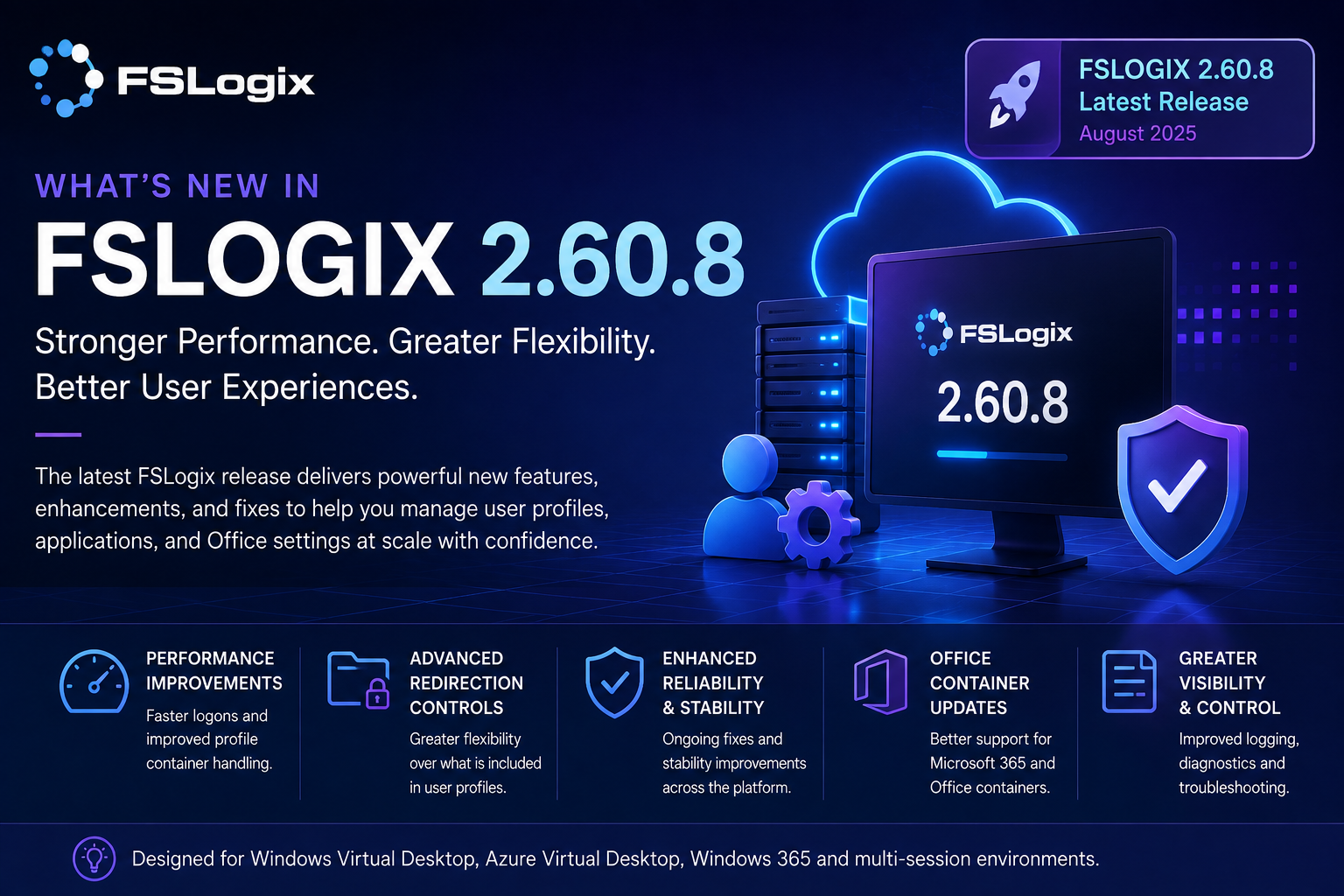
Microsoft Update
Microsoft released FSLogix 26.08 on 31 August 2026.
Version: 3.26.826.17182
Release date: 31 August 2026
What's New
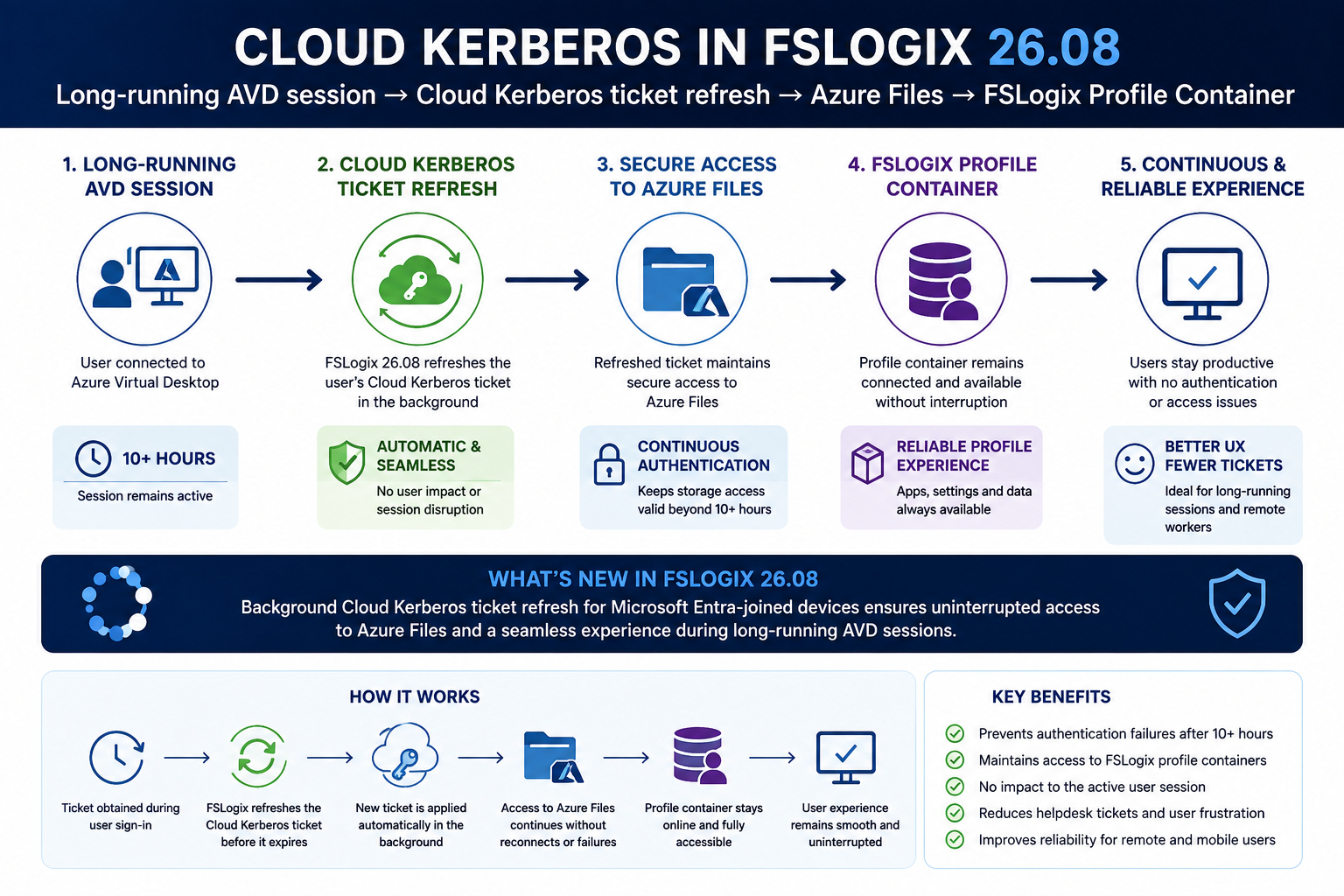
Cloud Kerberos ticket refresh: FSLogix now refreshes users' Cloud Kerberos ticket in the background during a session, and on VHD reconnect/reattach, keeping authentication to Entra Kerberos-backed storage such as Azure Files valid throughout long sessions and after resume. This avoids reconnect and storage-access failures that previously required the user to sign out and back in.
Microsoft describes this release as providing a set of security, stability and data-protection fixes, but there is also one particularly significant new capability:
Background Cloud Kerberos ticket refresh for Microsoft Entra-joined devices.
FSLogix can now refresh a user's Cloud Kerberos ticket in the background during an active session and when a VHD reconnects or reattaches.
This is particularly important for organisations using:
Microsoft Entra joined AVD session hosts + Microsoft Entra Kerberos + Azure Files + FSLogix Profile Containers.
🔐 Cloud Kerberos Ticket Refresh
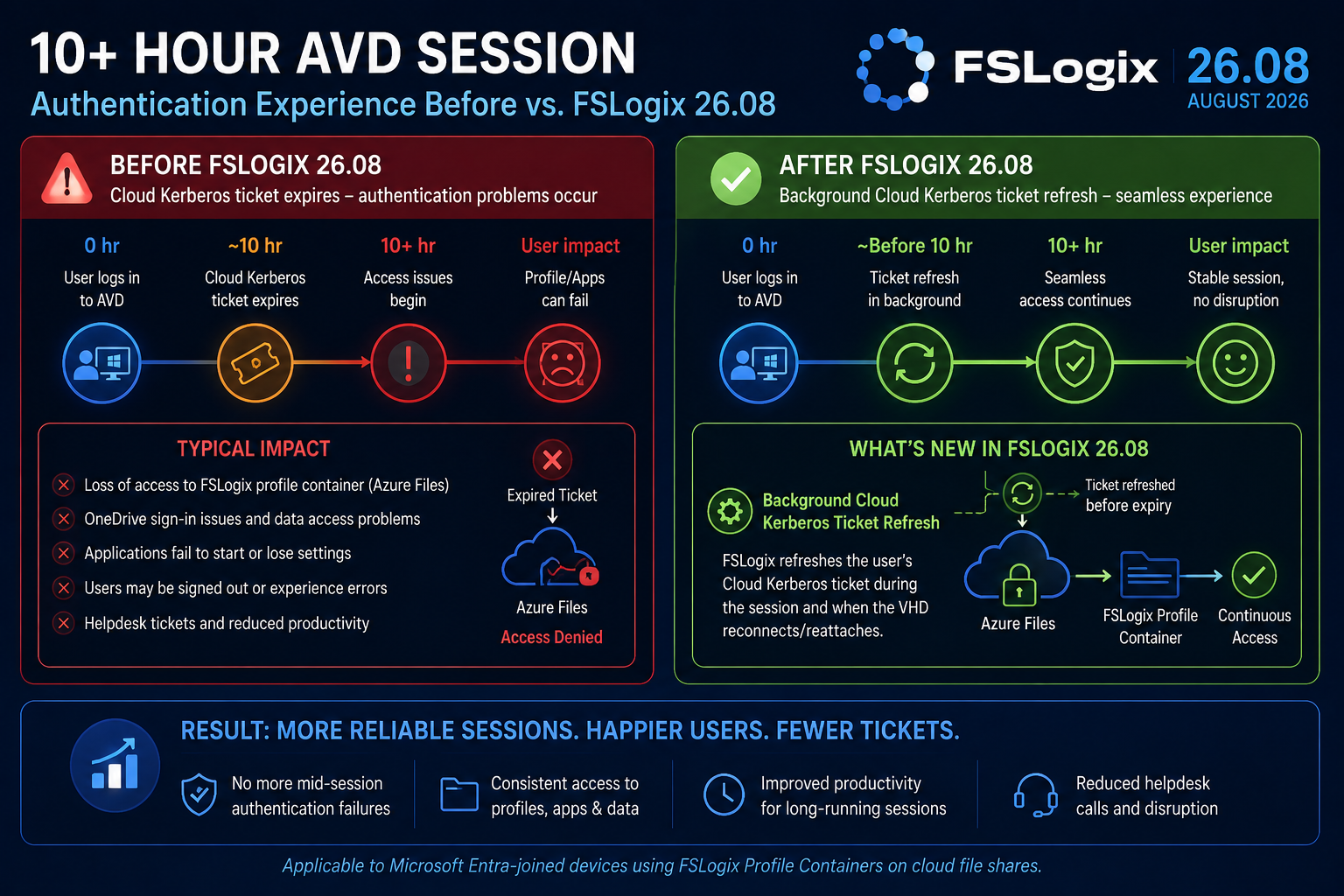
Previously, long-running sessions could encounter authentication problems when the user's Cloud Kerberos ticket reached its lifetime.
Microsoft documents a 10-hour lifetime for the Cloud Kerberos ticket. FSLogix 26.08 doesn't change that lifetime; instead, FSLogix now refreshes the ticket in the background to mitigate problems with sessions running for longer than 10 hours.
FSLogix performs the refresh:
- During the user's session
- When a VHD reconnects
- When a VHD reattaches
This helps maintain authentication to Entra Kerberos-backed storage such as Azure Files.
Why this matters
This addresses an important edge case in modern, cloud-native AVD architectures.
Without the refresh, long-running sessions could experience reconnect or storage-access failures that required the user to sign out and sign back in to obtain fresh authentication.
FSLogix 26.08 now provides mitigation for that scenario automatically.
💡 FABS Recommendation
For organisations using Entra-joined AVD + Azure Files + Entra Kerberos, I would classify FSLogix 26.08 as a high-priority release to validate.
This is particularly relevant where users maintain AVD sessions for extended periods, reconnect to existing sessions throughout the working day, or leave sessions disconnected overnight.
It is important, however, to understand Microsoft's wording:
FSLogix 26.08 does not increase the existing 10-hour Cloud Kerberos ticket lifetime.
The background refresh is Microsoft's mitigation for long-running sessions while a longer-term solution is developed. Microsoft Learn
🛡️ Significant Security Fixes
FSLogix 26.08 isn't only about Kerberos.
Microsoft has addressed multiple security vulnerabilities in the FSLogix driver and service, including:
- An elevation-of-privilege vulnerability
- Kernel memory-safety issues
Microsoft's release notes also explicitly state that customers are required to install and use the latest FSLogix version as part of the product's support requirements.
💡 FABS Recommendation
The combination of security fixes + stability fixes + Cloud Kerberos improvements makes this considerably more important than a routine FSLogix maintenance release.
Enterprises should put 26.08 through their normal validation process rather than allowing older FSLogix builds to remain indefinitely in production images.
☁️ Important OneDrive Data-Protection Fixes
There are also two particularly noteworthy OneDrive fixes.
Microsoft fixed an issue where unlinking OneDrive during a session could result in data loss.
It also fixed a scenario where OneDrive cloud-only placeholder files could become corrupted during container mirror-back, potentially causing OneDrive synchronisation errors or even a sync-client crash loop.
Why this matters
For Microsoft 365-heavy AVD environments, OneDrive and FSLogix are closely intertwined.
These aren't cosmetic fixes. They address potential data integrity and application reliability problems, making them another strong reason to prioritise testing of 26.08.
🧯 Profile Container & Session Stability Improvements
FSLogix 26.08 addresses several issues that could directly affect AVD host availability and user experience.
Microsoft fixed multiple scenarios capable of producing Windows bugchecks, including:
0x139, 0x50 and APC_INDEX_MISMATCH.
Microsoft has also fixed scenarios where:
- A locked or unresponsive container could block all sign-ins and sign-outs on a session host until it was rebooted.
- A stuck storage provider could hang user sign-out and leave containers attached.
CleanupInvalidSessionscombined with ODFC could result in a deadlock and long sign-out delays.- OneDrive files could remain pending deletion even when
IncludeOneDrivewas disabled. - Identity-data exclusions could remove certificates from the user's Personal certificate store or interfere with OneDrive/Entra sign-in.
These are significant fixes for multi-session environments because a single problematic container potentially affecting other users on the host can become an availability issue rather than simply an individual profile problem.
📌 FSLogix 26.08 – FABS Priority Assessment
| Change | FABS Assessment | |
|---|---|---|
| Cloud Kerberos background refresh | 🔴 Critical / High Priority | |
| Security vulnerabilities | 🔴 Critical / High Priority | |
| Locked container blocking host sign-ins | 🔴 High Priority | |
| OneDrive potential data loss | 🔴 High Priority | |
| OneDrive cloud-file corruption | 🔴 High Priority | |
| Windows bugchecks | 🔴 High Priority | |
| ODFC sign-out deadlock | 🟠 Important | |
| Identity/certificate fixes | 🟠 Important |
🔗 Useful Microsoft FSLogix Resources
Microsoft – FSLogix 26.08 Release Notes
Click Here To Return To Blog