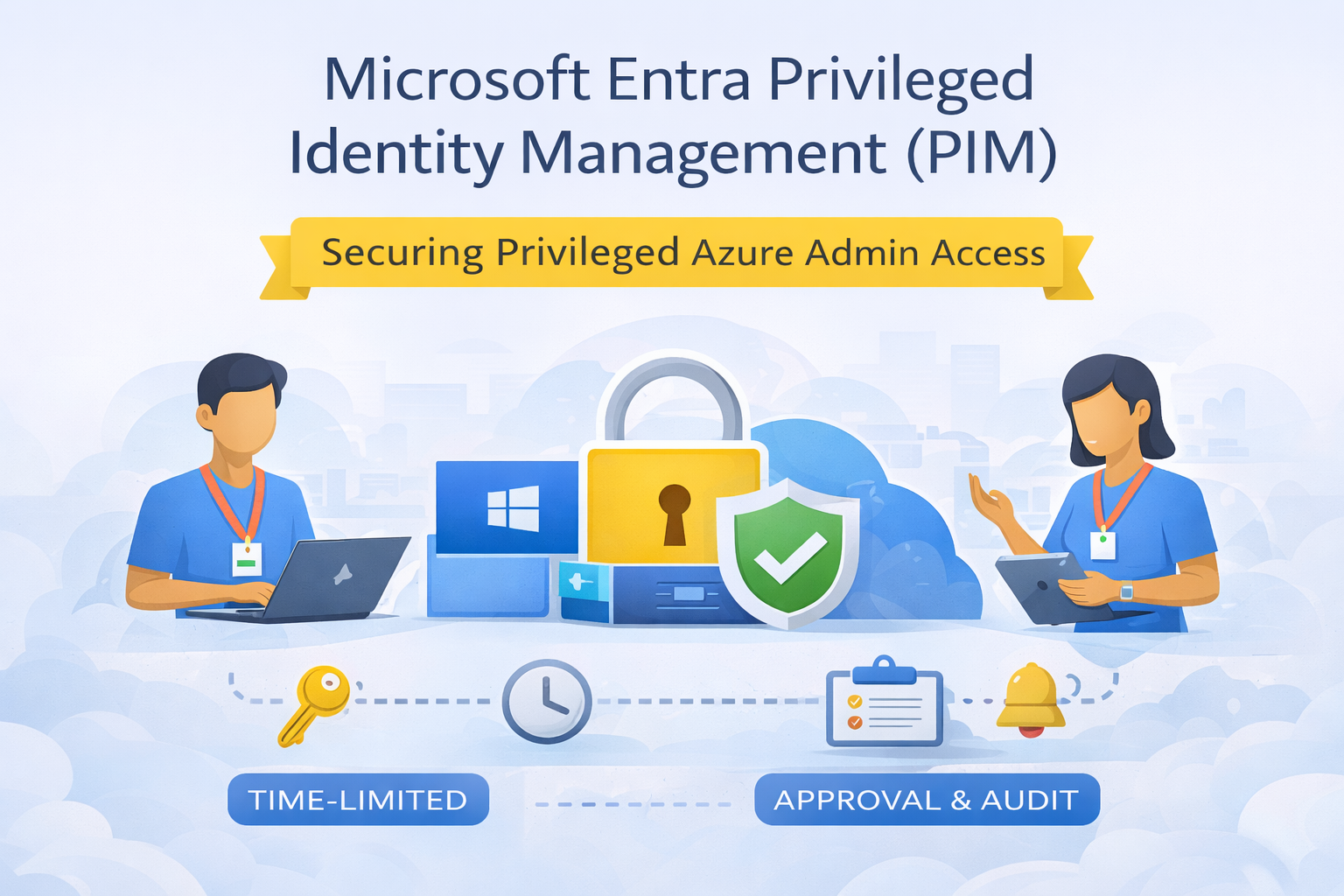
🔐 Why Privileged Access Is One of Your Biggest Security Risks
In every Azure environment, privileged accounts represent the highest security risk. Global admins, subscription owners, and role administrators have the power to:
- Modify security controls
- Access sensitive data
- Create or delete critical resources
If those permissions are permanent, the blast radius of a compromised account is massive.
This is exactly the problem Microsoft Entra Privileged Identity Management (PIM) is designed to solve.
🧠 What Is Microsoft Entra Privileged Identity Management?
Microsoft Entra PIM is a security service that helps organisations manage, control, and monitor privileged access across:
- Microsoft Entra roles (e.g. Global Administrator)
- Azure RBAC roles (e.g. Owner, Contributor)
- Azure resources and subscriptions
Instead of granting standing admin permissions, PIM enables Just-In-Time (JIT) access — users elevate only when required, for a limited time, with full auditing.
🔗 Microsoft documentation:
https://learn.microsoft.com/en-us/entra/id-governance/privileged-identity-management/pim-configure
❓ Why PIM Matters (And Why “Always-On Admin” Is Dangerous)
Permanent admin access creates:
- Credential theft risk
- Lateral movement opportunities
- Audit and compliance challenges
- Difficulty proving least privilege
PIM directly addresses these risks by enforcing:
- Time-bound access
- Approval workflows
- Multi-Factor Authentication (MFA)
- Detailed audit logs
This aligns strongly with Microsoft’s Zero Trust and Least Privilege security models.
⏱️ When Should You Use PIM?
You should implement PIM as soon as your Azure tenant moves beyond basic usage — especially if:
- You have multiple admins
- You operate production workloads
- You must meet compliance or audit requirements
- You want to reduce insider threat risk
FABS Recommendation: If a role is powerful enough to break security, it should never be permanently assigned.
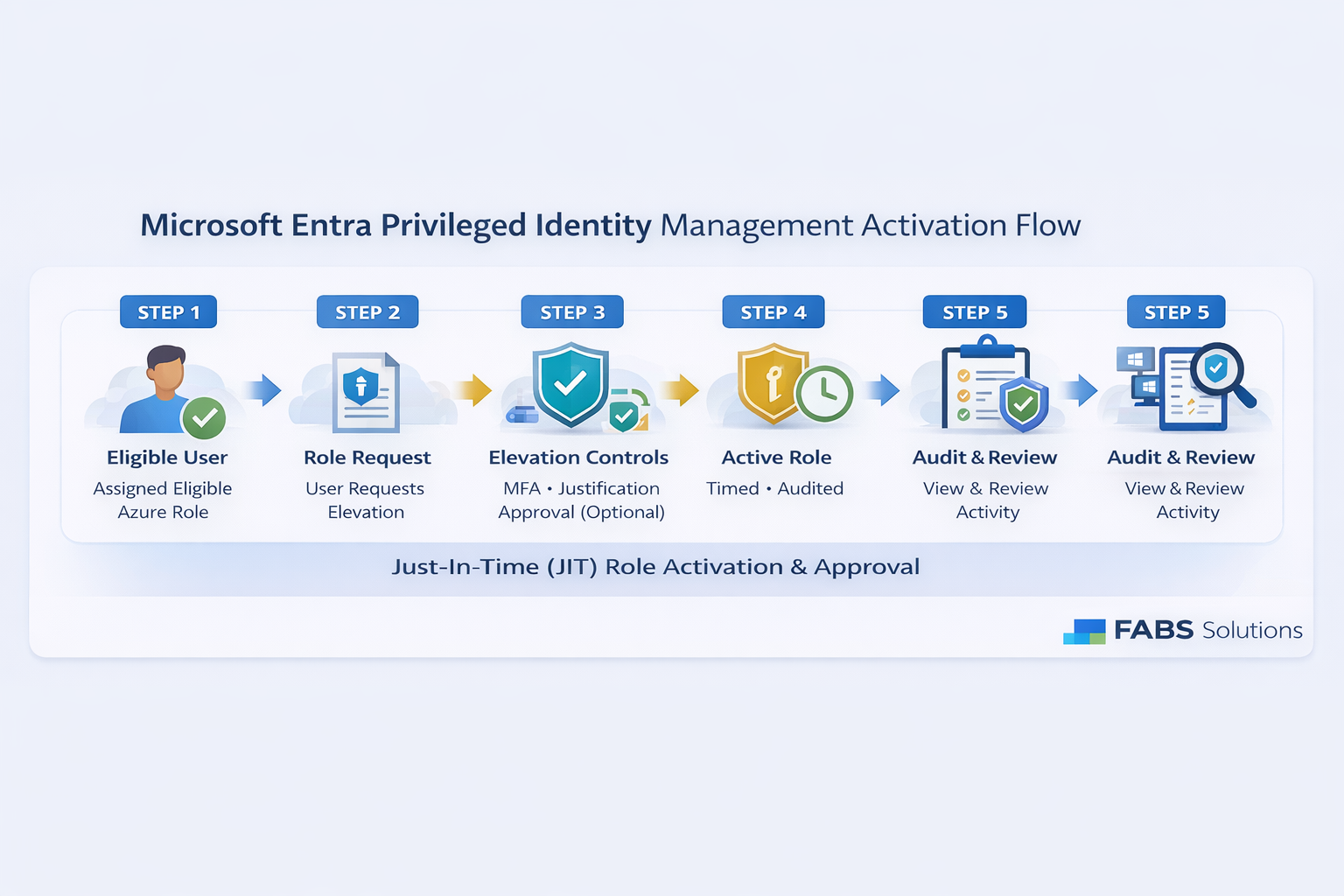
🔧 How PIM Works (High-Level)
- User is assigned an eligible role, not an active role
- When needed, they activate the role
- Activation requires:
- MFA
- Justification
- Optional approval
- Role expires automatically after a defined time
- All actions are logged and auditable
✅ Common Use Cases for Entra PIM
🔐 Azure Subscription Administration
- Owners and Contributors elevate only during maintenance windows
- Reduces standing access to production subscriptions
🛠️ Platform & Identity Teams
- Global Admin and Privileged Role Admin access controlled via JIT
- Strong audit trail for identity changes
🧪 Dev/Test vs Production Separation
- Developers eligible for elevated access in Dev/Test
- Production access requires approval and time limits
🏢 Enterprise & Regulated Industries
- Meets audit requirements for access review and justification
- Supports ISO, SOC, and financial compliance frameworks
🧑💻 MSPs and Shared Admin Models
- External engineers elevate access only when actively supporting customers
- Reduces long-lived partner admin risk
🔐 Azure RBAC + PIM: A Powerful Combination
Azure RBAC defines what a user can do.
PIM defines when they’re allowed to do it.
Together, they enable:
- Role separation
- Least privilege
- Strong governance controls
🧠 Best Practices for Using PIM (From the Field)
✔ Enable PIM for all high-privilege roles
✔ Require MFA on activation
✔ Enforce justification and approval for production roles
✔ Keep activation times short (1–4 hours)
✔ Schedule access reviews regularly
✔ Monitor PIM audit logs and alerts
🚀 Final Thoughts
Microsoft Entra PIM is not optional security hardening — it is a baseline control for any serious Azure deployment.
By removing permanent admin access and enforcing just-in-time elevation, PIM dramatically reduces risk without slowing down operations.
Click Here To Return To Blog