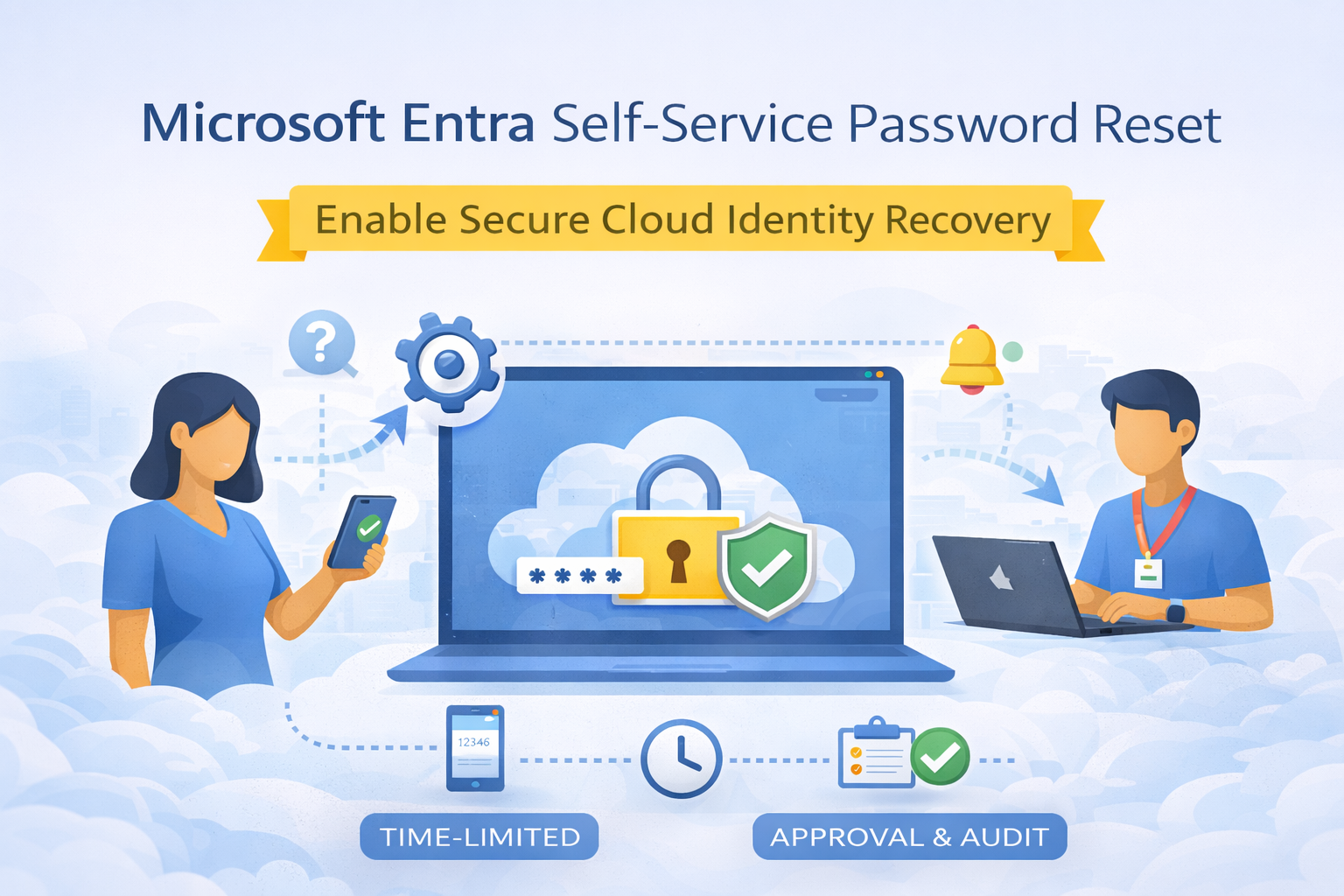
🔄 How Microsoft Entra Self-Service Password Reset (SSPR) Works
Self-Service Password Reset isn’t just a convenience feature — it’s a secure, identity-driven workflow designed to protect users while reducing operational overhead for IT teams.
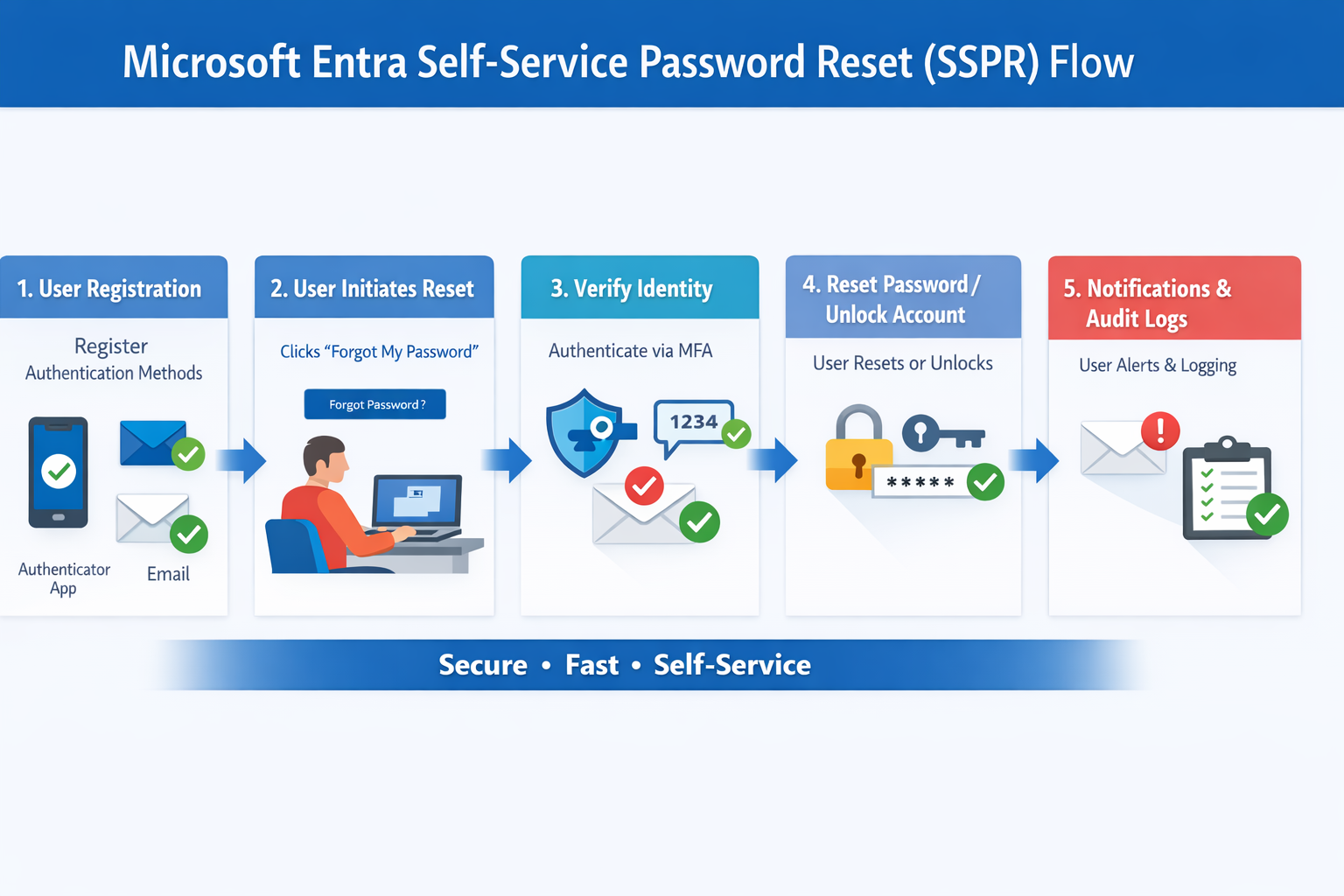
🧭 Step-by-Step SSPR Flow
1️⃣ User Registration (One-Time Setup)
Users register authentication methods such as:
- Microsoft Authenticator app
- Mobile phone (SMS or voice)
- Email (where permitted)
💡 Best practice: Prompt users to register during onboarding to prevent future lockouts.
2️⃣ User Initiates Password Reset
If locked out or expired, users select “Forgot my password” from:
- Microsoft sign-in page
- Windows sign-in screen
- Microsoft 365 portal
No helpdesk involvement required.
3️⃣ Identity Verification
Microsoft Entra validates the user using:
- One or two authentication methods (configurable)
- MFA-grade verification
This ensures only the legitimate user can reset their password.
4️⃣ Password Reset or Account Unlock
Once verified:
- Password is reset or
- Account is unlocked immediately
The change is enforced across Entra-connected services in real time.
5️⃣ Notifications & Auditing
- User receives confirmation notifications
- All actions are logged in Microsoft Entra audit logs
- Security teams retain full visibility for compliance and investigations
🔐 Security Built In by Design
Microsoft Entra SSPR integrates natively with:
- Conditional Access
- Multi-Factor Authentication (MFA)
- Zero Trust identity principles
This means you’re improving security, not weakening it.
📈 Business Value of SSPR
| Benefit | Business Impact |
|---|---|
| Fewer password tickets | Reduced helpdesk costs |
| Faster account recovery | Improved user productivity |
| Strong identity verification | Lower security risk |
| Scales automatically | Ideal for hybrid & remote work |
🧠 FABS Solutions Recommendation
Self-Service Password Reset should be enabled in every Microsoft Entra tenant as a baseline identity control — not an optional feature.
When combined with MFA and Conditional Access, SSPR delivers immediate ROI and measurable security improvements.
📘 Microsoft Configuration Guide
Click Here To Return To Blog